
In today’s world, protecting your home and loved ones is more important than ever. Home security cameras are among the most effective ways to safeguard your property, offering real-time monitoring, recording, and peace of mind. But with so many different types of security cameras available, choosing the right system can be overwhelming.
This ultimate guide will walk you through everything you need to know about home security cameras, from the types of cameras available to the essential features you should look for, installation tips, and more.
Table of Contents:
- Why You Need Home Security Cameras
- Types of Home Security Cameras
- Indoor Security Cameras
- Outdoor Security Cameras
- Wireless Security Cameras
- Wired Security Cameras
- Key Features to Consider
- Resolution & Video Quality
- Night Vision
- Motion Detection
- Field of View
- Two-Way Audio
- Best Places to Install Home Security Cameras
- DIY vs. Professional Installation
- Smart Home Integration
- Top Security Camera Brands
- How to Choose the Right Camera for Your Home
- Conclusion
1. Why You Need Home Security Cameras
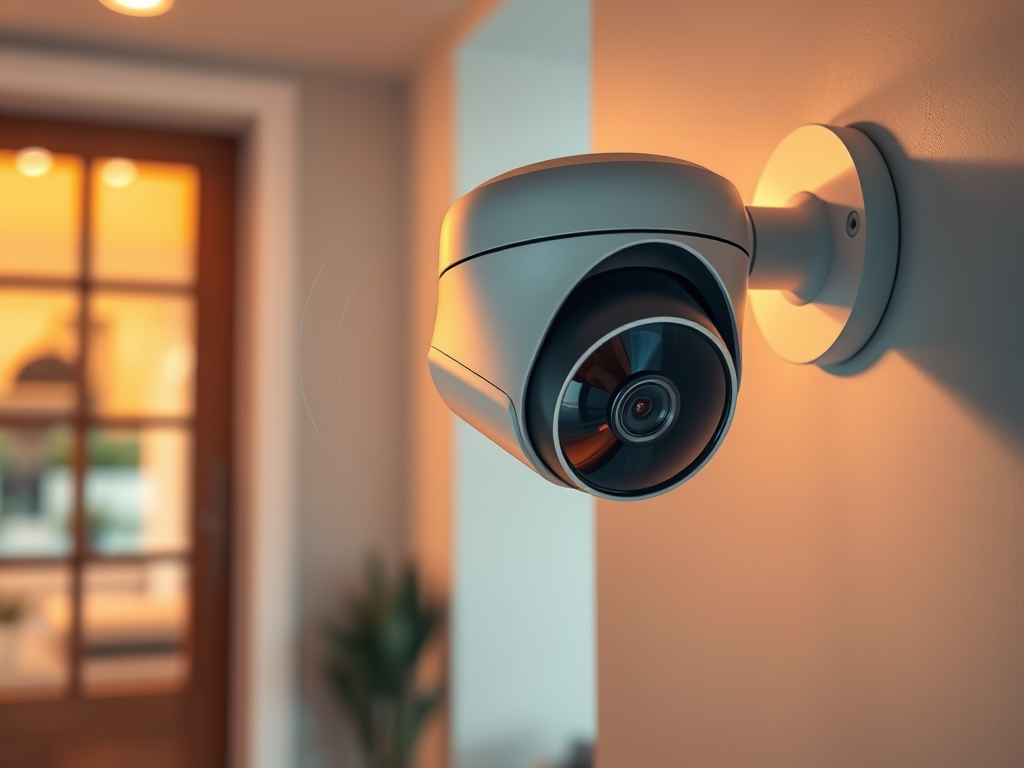
Home security cameras have evolved beyond simple surveillance tools. Whether you live in a large house or a small apartment, having a security camera system offers numerous benefits:
- Crime Prevention: Visible cameras deter burglars and vandals.
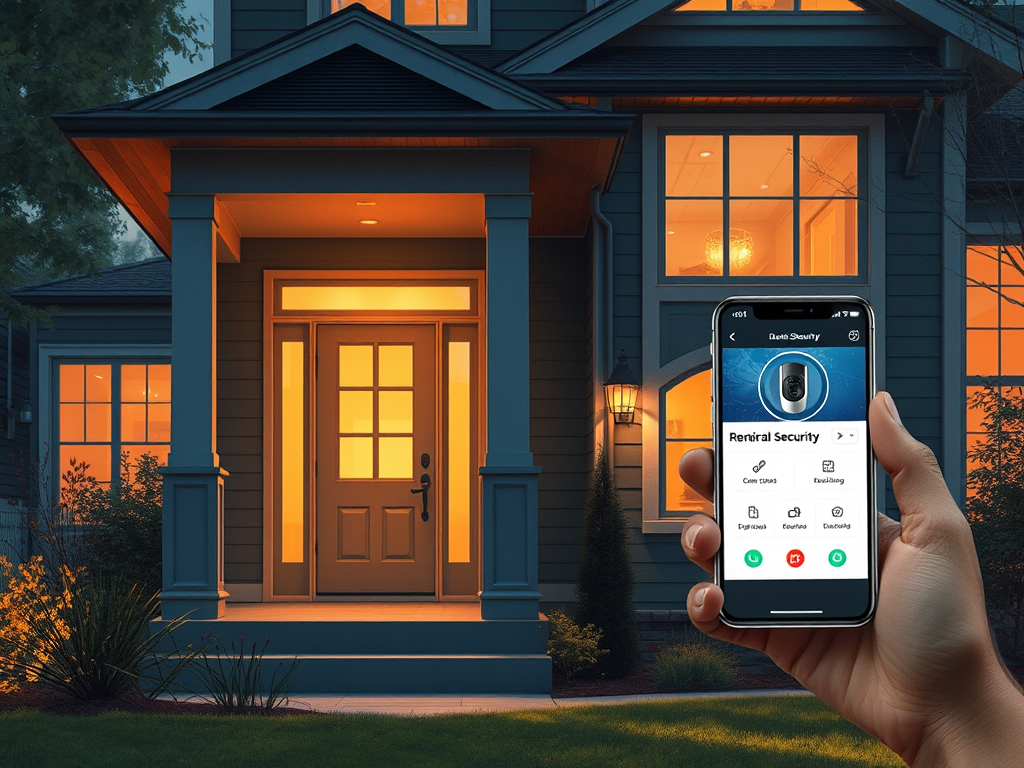
- Remote Monitoring: View your home in real-time from anywhere using your smartphone or computer.
- Protect Loved Ones: Monitor elderly relatives, children, and pets even when you’re not at home.
- Evidence Collection: In the unfortunate event of a break-in, footage from your cameras can provide critical evidence for law enforcement.
According to studies, homes without security cameras are more likely to be targeted by burglars. With affordable options now available, there’s no reason to leave your home unprotected.
2. Types of Home Security Cameras
Choosing the right camera for your home depends on your needs. Here’s a breakdown of the main types:
Indoor Security Cameras
- Best for: Monitoring inside the house (living rooms, hallways, entry points).
- Features: Compact, easy to install, usually connected to Wi-Fi.
- Use Case: Ideal for keeping an eye on pets, children, or valuables while you’re away.
Outdoor Security Cameras
- Best for: Monitoring the outside of your home (driveways, patios, yards).
- Features: Weatherproof, often equipped with night vision and motion detection.
- Use Case: Perfect for preventing theft, break-ins, or vandalism.
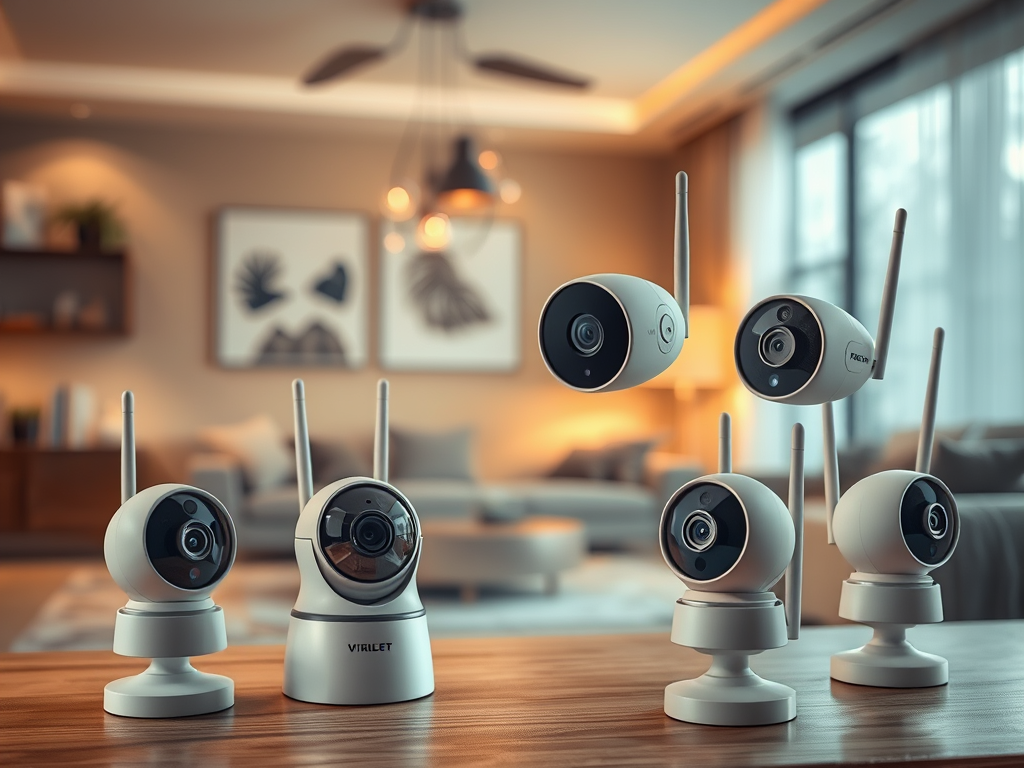
Wireless Security Cameras
- Best for: Flexibility in installation and ease of use.
- Features: Battery-powered or solar-powered, wireless connectivity.
- Use Case: Ideal for renters or homes where running cables is difficult.
Wired Security Cameras
- Best for: Permanent installations with a stable connection.
- Features: Powered through a direct connection, often more reliable.
- Use Case: Great for homeowners looking for a long-term, professional-grade security setup.
For more details on these types, check out our article on Understanding the Different Types of Home Security Cameras.
3. Key Features to Consider
When choosing a home security camera, it’s important to focus on key features that will meet your needs:
Resolution & Video Quality
- 1080p (HD) is standard and provides clear, sharp footage.
- 4K (Ultra HD) offers superior detail, especially for large outdoor areas, but requires more bandwidth and storage.
Night Vision
- Essential for monitoring your home during the night. Look for infrared (IR) sensors or color night vision for clearer footage in low light.
Motion Detection
- Cameras with motion sensors automatically start recording when they detect movement. Advanced models can even differentiate between animals, people, and vehicles, reducing false alarms.
Field of View
- The field of view (FOV) determines how much area the camera can cover. A wider field of view (e.g., 130° or more) is ideal for large outdoor spaces, while a narrower field is better for focused monitoring.
Two-Way Audio
- Allows you to communicate with anyone on your property via a microphone and speaker built into the camera. Perfect for answering the door or scaring off intruders.
4. Best Places to Install Home Security Cameras
Strategic camera placement is crucial to maximize your home’s protection. Here are the key areas to consider:
- Front Door: Many burglars enter through the front door. A camera here ensures you capture visitors and packages.
- Back and Side Doors: These secondary entrances are often targeted, so covering them is essential.
- Driveway and Garage: Protect vehicles and monitor anyone entering through the garage.
- Yard: Outdoor cameras can cover large areas of your property and deter trespassers.
For a more detailed guide, see our post on Best Places to Install Home Security Cameras.
5. DIY vs. Professional Installation
When it comes to installing your home security cameras, you have two main options:
DIY Installation
- Best for: Homeowners comfortable with basic installation tasks.
- Pros: Cost-effective, flexible placement.
- Cons: Requires some technical know-how, especially for wireless cameras or if the system involves complex setups like outdoor cameras.
Professional Installation
- Best for: Those who prefer hands-off installation.
- Pros: Done by experts, more complex systems can be installed.
- Cons: More expensive, limited control over placement.
Learn more about which option is right for you in our guide on DIY vs. Professional Home Security Camera Installation.
6. Smart Home Integration
Many modern security cameras integrate seamlessly with smart home systems, allowing you to control your cameras via voice commands, automate functions, and enhance your overall home security. Popular integrations include:
- Amazon Alexa: Control your cameras with voice commands like “Alexa, show me the front door camera.”
- Google Home: Integrate cameras into your Google Home ecosystem for easy control.
- Apple HomeKit: Use Siri to access and control your security cameras.
For more on this, check out our article on How to Integrate Security Cameras into Your Smart Home.
7. Top Security Camera Brands
The market is filled with security camera brands offering a variety of features. Here are some of the top brands to consider:
- Arlo: Known for their wireless cameras with cloud storage and smart home integration.
- Nest: Offers smart cameras with AI capabilities and integration with Google Home.
- Ring: Popular for its doorbell cameras and affordable security solutions.
- Wyze: Budget-friendly with excellent features for the price.
For a detailed comparison, read our Top Security Camera Brands Review.
8. How to Choose the Right Camera for Your Home
Selecting the right camera comes down to your specific needs:
- Indoor or Outdoor: Determine where you need surveillance.
- Wired or Wireless: Consider how permanent the installation will be and if you want the flexibility of wireless.
- Smart Home Integration: Choose cameras that fit your existing smart home ecosystem.
- Budget: Identify your budget and balance cost with necessary features like resolution, storage, and smart integrations.
For a personalized guide, check out How to Choose the Right Security Camera for Your Home.
Conclusion
Investing in the right home security camera system can provide peace of mind and protect your property. From understanding the different types of cameras to knowing the key features and best installation practices, this guide has covered everything you need to make an informed decision. As technology continues to advance, security cameras are becoming more accessible, affordable, and smart.
Start by identifying your security needs, exploring the top brands, and following the installation tips to ensure your home is safe and secure.

Leave a Reply