
Table of Contents
In an increasingly connected world, wireless security cameras have become one of the most popular choices for home and business surveillance. They offer flexibility, ease of installation, and advanced features that cater to a wide range of security needs. Whether you’re protecting your home, monitoring your business, or keeping an eye on loved ones, wireless cameras provide a convenient solution. In this guide, we’ll explore what wireless security cameras are, their key features, benefits, and tips for choosing the right one.
What Are Wireless Security Cameras?
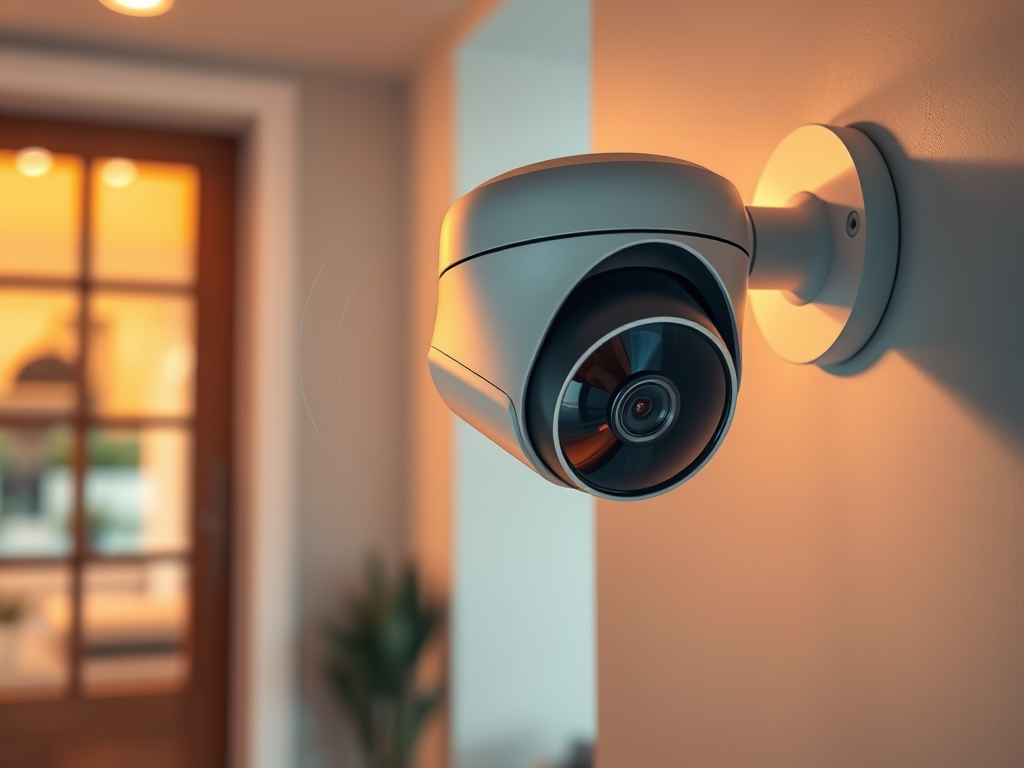
Wireless security cameras use Wi-Fi or other wireless technologies to transmit video and audio signals to a receiver, such as a smartphone app, cloud storage, or a local DVR/NVR system. Unlike wired cameras, they don’t require extensive cabling, making them easier to install and relocate.
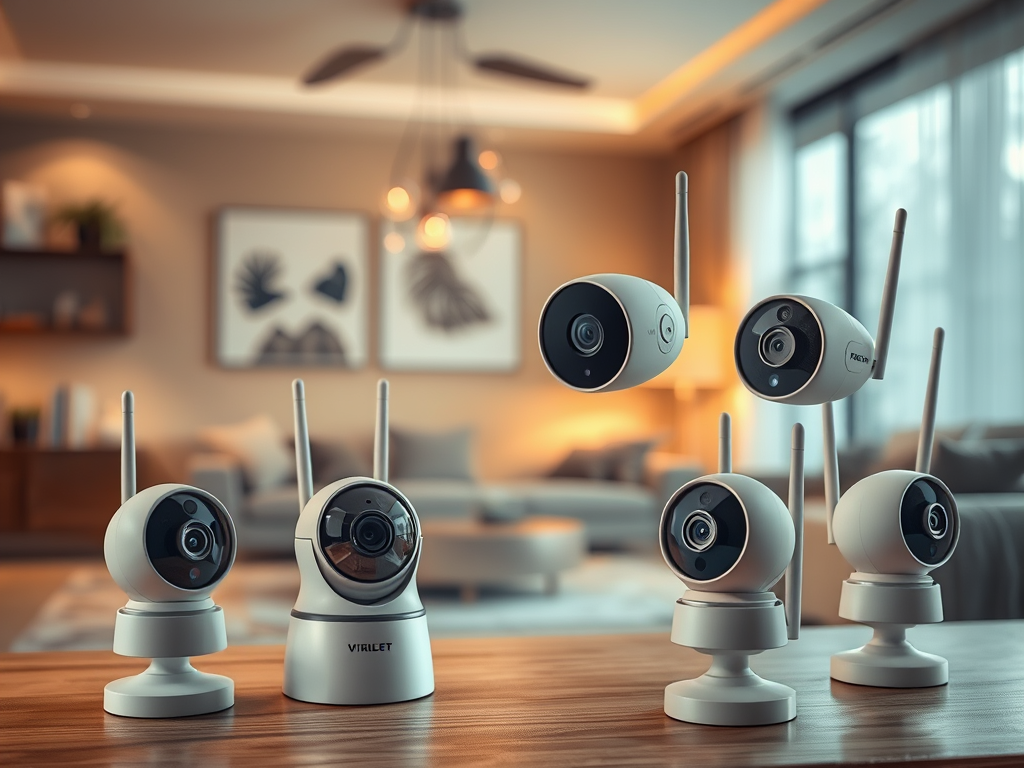
Types of Wireless Security Cameras
- Battery-Powered Wireless Cameras: Fully wire-free, these cameras rely on rechargeable or replaceable batteries.
- Plug-In Wireless Cameras: Require a power source but transmit data wirelessly.
Key Features of Wireless Security Cameras
When shopping for a wireless security camera, here are the essential features to look for:
1. High-Resolution Video
- Look for cameras with at least 1080p HD resolution for clear, detailed footage. Higher-end models offer 4K Ultra HD, which is ideal for identifying faces or license plates.
2. Night Vision
- Ensure your camera has infrared (IR) night vision or color night vision for round-the-clock monitoring.
3. Motion Detection
- Advanced motion detection minimizes false alarms by distinguishing between humans, animals, and objects.
4. Two-Way Audio
- With built-in microphones and speakers, you can communicate with visitors or deter intruders in real time.
5. Cloud and Local Storage
- Choose between cloud storage (requires subscription) or local storage via microSD card, DVR, or NVR.
6. Smart Home Integration
- Many wireless cameras integrate with Amazon Alexa, Google Assistant, or Apple HomeKit, enabling voice commands and automation.
7. Weatherproof Design
- For outdoor cameras, ensure they have a high IP rating (e.g., IP65 or IP67) to withstand harsh weather conditions.
Benefits of Wireless Security Cameras
1. Easy Installation
Wireless cameras eliminate the need for complex cabling, making them ideal for renters or those seeking quick installation.
2. Flexible Placement
Since they don’t rely on wires, these cameras can be placed almost anywhere, indoors or outdoors.
3. Remote Monitoring
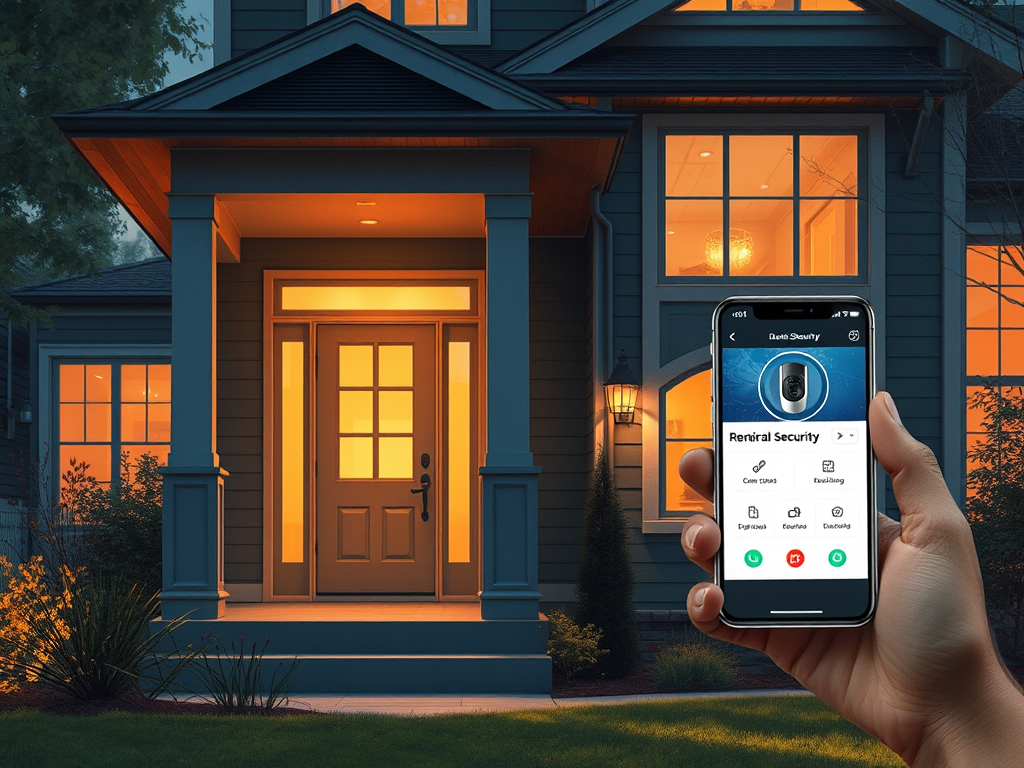
View live feeds, receive alerts, and control your cameras remotely via smartphone apps or web interfaces.
4. Scalable and Expandable
Add more cameras to your system as your needs grow without worrying about extensive rewiring.
5. Cost-Effective
Wireless cameras are often more affordable than wired systems when considering installation costs.
Where to Use Wireless Security Cameras
- Front Door: Monitor visitors and deliveries with a smart doorbell camera.
- Driveway and Garage: Protect vehicles and tools with wide-angle outdoor cameras.
- Backyard or Side Entrances: Cover blind spots to deter unauthorized access.
- Indoor Areas: Keep an eye on pets, children, or elderly family members.
Limitations of Wireless Security Cameras
While wireless cameras have many advantages, they come with a few limitations:
- Battery Life: Battery-powered cameras require regular recharging or battery replacement.
- Wi-Fi Dependence: A stable and strong Wi-Fi connection is essential for consistent performance.
- Cloud Storage Costs: Subscriptions for cloud storage can add up over time.
- Range Limitations: Cameras far from the Wi-Fi router may experience lag or connectivity issues.
How to Choose the Best Wireless Security Camera
When selecting a wireless security camera, consider the following factors:
- Purpose: Do you need indoor monitoring, outdoor coverage, or both?
- Budget: Determine how much you’re willing to spend, including potential cloud storage fees.
- Compatibility: Ensure the camera integrates with your existing smart home ecosystem.
- Additional Features: Features like pan-tilt-zoom (PTZ), AI-based motion detection, or facial recognition can enhance your security setup.
Top Wireless Camera Brands
- Arlo: Known for high-quality wireless systems with excellent night vision and smart features.
- Ring: Offers a range of affordable smart cameras and doorbells.
- Wyze: Budget-friendly cameras with impressive functionality.
- Nest: Premium cameras with seamless Google Home integration.
- Blink: Compact and battery-efficient cameras perfect for small spaces.
Tips for Installing Wireless Security Cameras
- Choose Strategic Locations: Focus on entry points, blind spots, and high-traffic areas.
- Ensure a Strong Wi-Fi Signal: Place cameras within range of your router or consider a Wi-Fi extender for better coverage.
- Regularly Check Batteries: For battery-powered models, set a schedule to recharge or replace batteries.
- Adjust Settings for Efficiency: Use motion detection zones to reduce unnecessary alerts and optimize battery life.
Conclusion
Wireless security cameras offer a convenient and effective way to secure your home or business without the hassle of extensive wiring. With their advanced features, flexible placement options, and easy integration into smart home systems, they are an excellent choice for modern surveillance. Whether you need a single camera for your front door or a comprehensive system to monitor your entire property, wireless cameras can be tailored to fit your specific needs.
Start building your wireless security system today and enjoy the peace of mind that comes with knowing your property is protected.
Leave a Reply