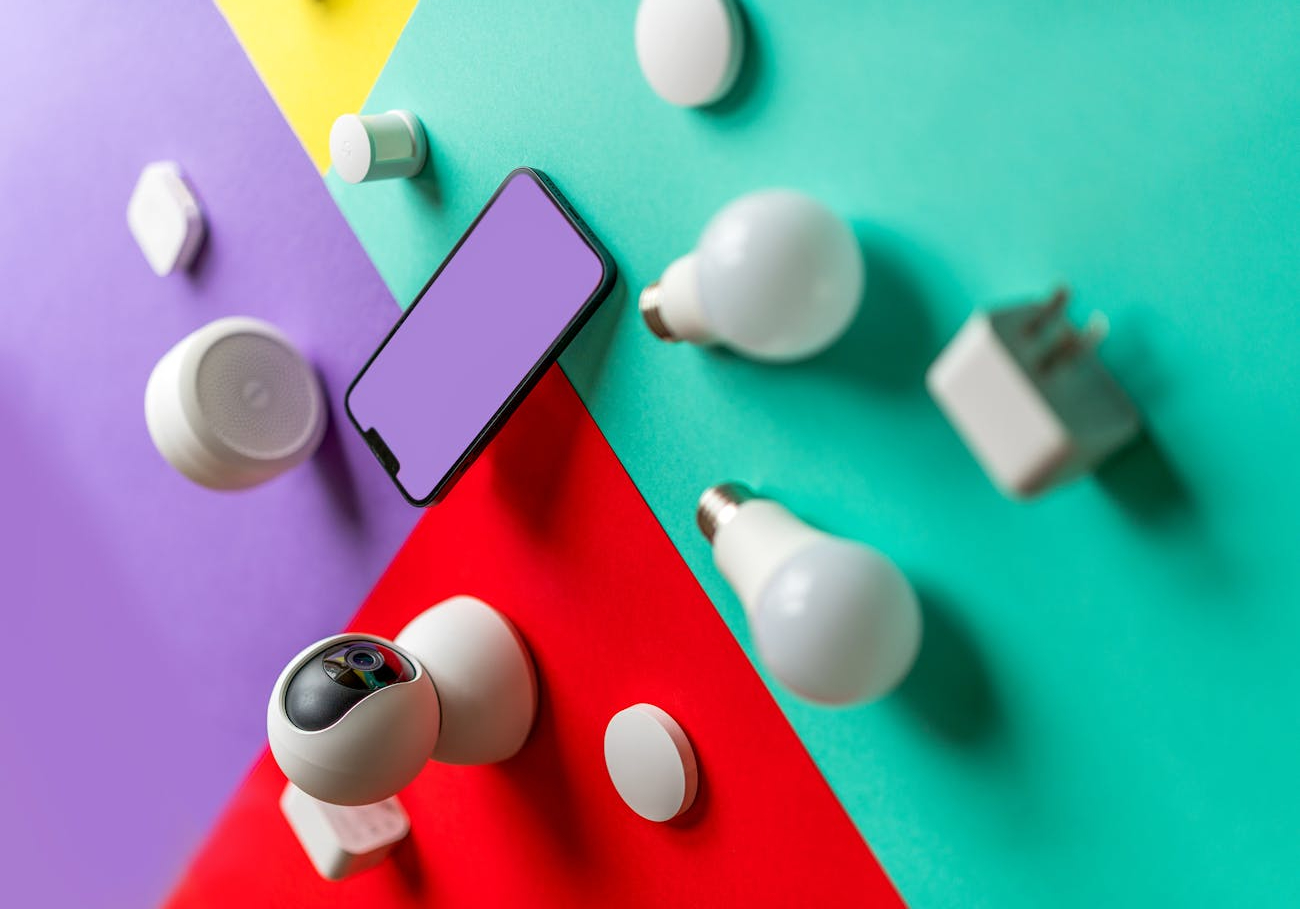

In today’s world, smart homes are becoming the new standard for convenience, comfort, and security. Integrating your home security system into your broader smart home ecosystem not only enhances your safety but also provides an all-in-one control center for your home. Whether you’re just starting your smart home journey or looking to upgrade your current setup, understanding smart home integration for security systems is key to maximizing your home’s potential.
Table of Contents
What is Smart Home Integration?
Smart home integration refers to the process of connecting various smart devices, such as lights, cameras, locks, and thermostats, to create a centralized system that you can control from a single app or platform. By integrating your home security system into your smart home setup, you can streamline everything from monitoring your cameras to adjusting your lights—all from your smartphone or with voice commands through devices like Amazon Alexa or Google Assistant.
The ability to remotely control your home’s security, alongside other smart devices, brings both convenience and peace of mind. With just a few taps on your phone or a voice command, you can lock your doors, view your security cameras, and even turn on the lights to make it look like you’re home when you’re away.
Why You Should Integrate Your Security System into Your Smart Home
1. Enhanced Security Control
One of the biggest benefits of integrating your security system with your smart home setup is the ability to control everything from one platform. Instead of managing multiple apps for your cameras, door locks, and motion sensors, smart home integration allows you to manage all devices in a single app.
For example, you can receive alerts from your wireless security cameras, lock your doors remotely, and turn off your lights—all through one system. Some advanced security systems even offer automation features, such as turning on the lights automatically when a motion sensor is triggered. This creates a seamless and efficient way to monitor and control your home’s security.
2. Real-Time Notifications and Alerts
When your security system is integrated into your smart home, you can receive real-time notifications for various security events, no matter where you are. For instance, if someone triggers a smart motion sensor or your doorbell camera detects movement, you’ll instantly get an alert on your smartphone.
This can be especially useful if you’re away from home and want to monitor any unusual activity. You can also set custom alerts based on specific events, such as when a window or door opens, providing extra peace of mind when you’re not around.
3. Voice-Controlled Security
Imagine being able to lock your doors or check your cameras with just a voice command. Smart home integration with voice assistants like Amazon Alexa, Google Home, or Apple HomeKit allows you to control your security system hands-free.
For instance, you can say, “Alexa, show me the front door camera,” or “Hey Google, lock the front door.” This level of convenience is a game-changer for homeowners looking for voice-activated home security control. Not only does this make it easier to manage your system, but it also adds a layer of convenience to your daily routines.
4. Automation for Ultimate Convenience
One of the best features of a smart home security system is automation. With smart home integration, you can set up rules that trigger automatic actions. For example, your security system can automatically arm itself when you leave home based on your smartphone’s location. Or, you could have your smart lights turn on when your outdoor camera detects movement, giving the impression that someone is home.
These automation features not only enhance security but also save energy and make managing your home effortless. You can create custom routines to suit your lifestyle, making your home smarter and safer.
5. Remote Access and Monitoring
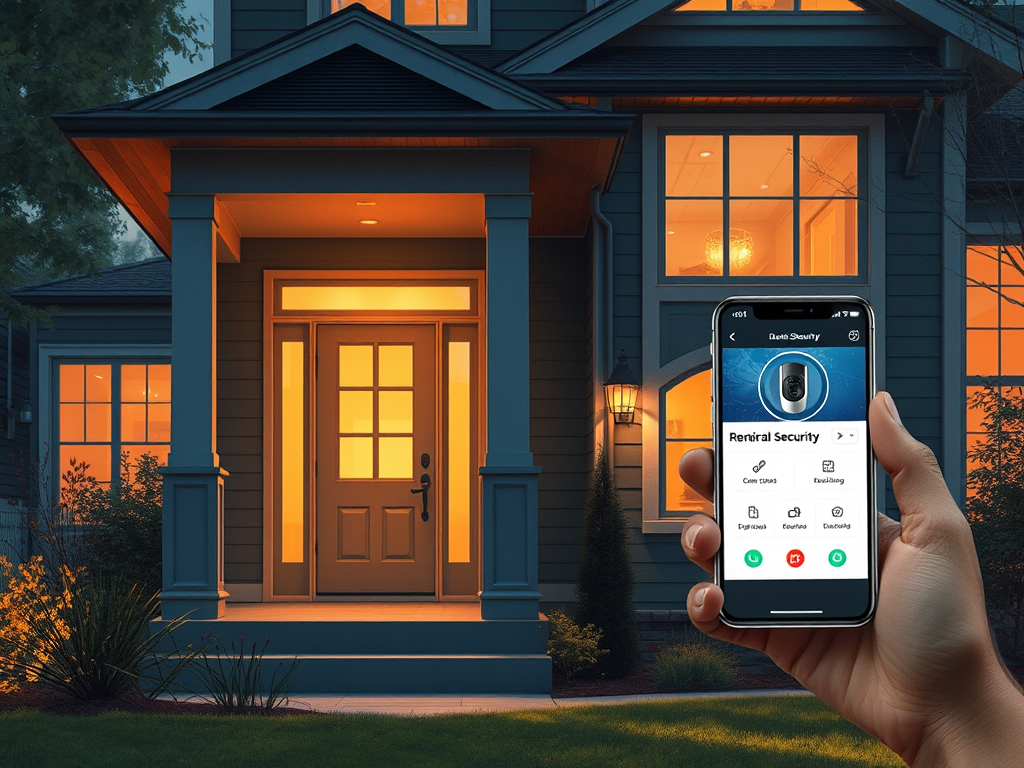
With smart home integration, your entire security system is available at your fingertips. Whether you’re on vacation or just at the office, you can use your smartphone to check your security cameras, lock or unlock doors, and receive real-time updates. Remote monitoring is one of the most sought-after features in a smart home security setup, as it provides constant access to your home’s status from anywhere in the world.
For instance, if you receive a motion alert from your smart outdoor camera, you can instantly view the live feed, determine if it’s a real threat, and take action—whether that’s contacting authorities or remotely turning on lights to deter any suspicious behavior.
Popular Devices for Smart Home Security Integration
Integrating your home security system with your smart home requires compatible devices. Below are some of the most popular products for seamless smart home integration:
1. Smart Cameras
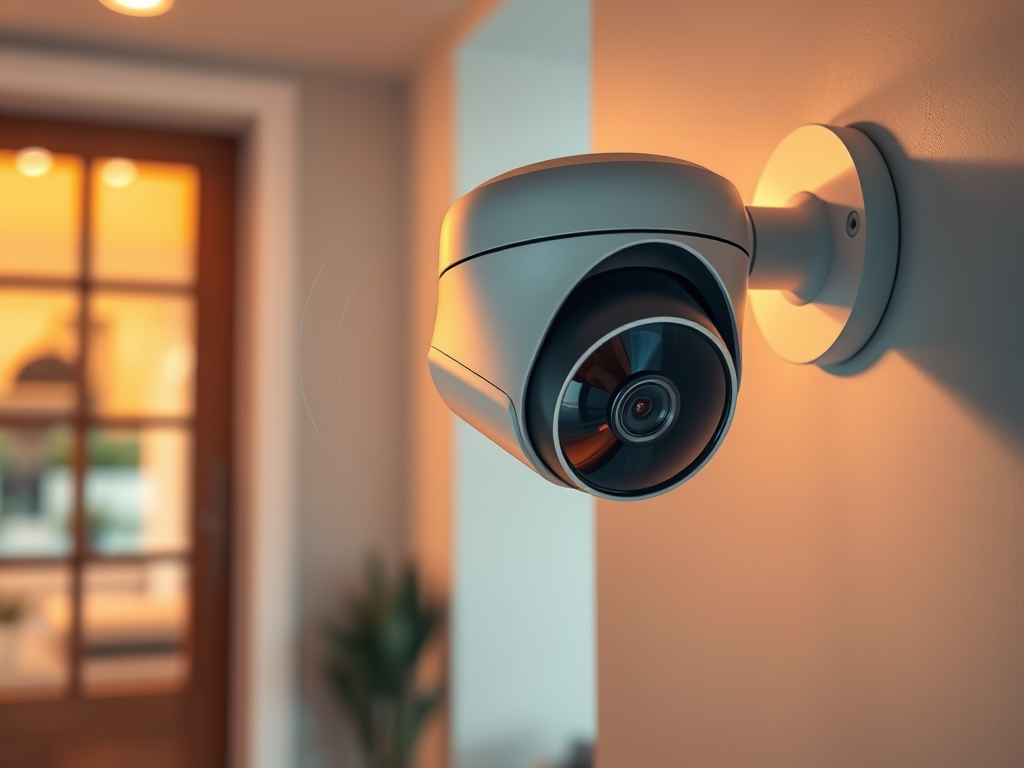
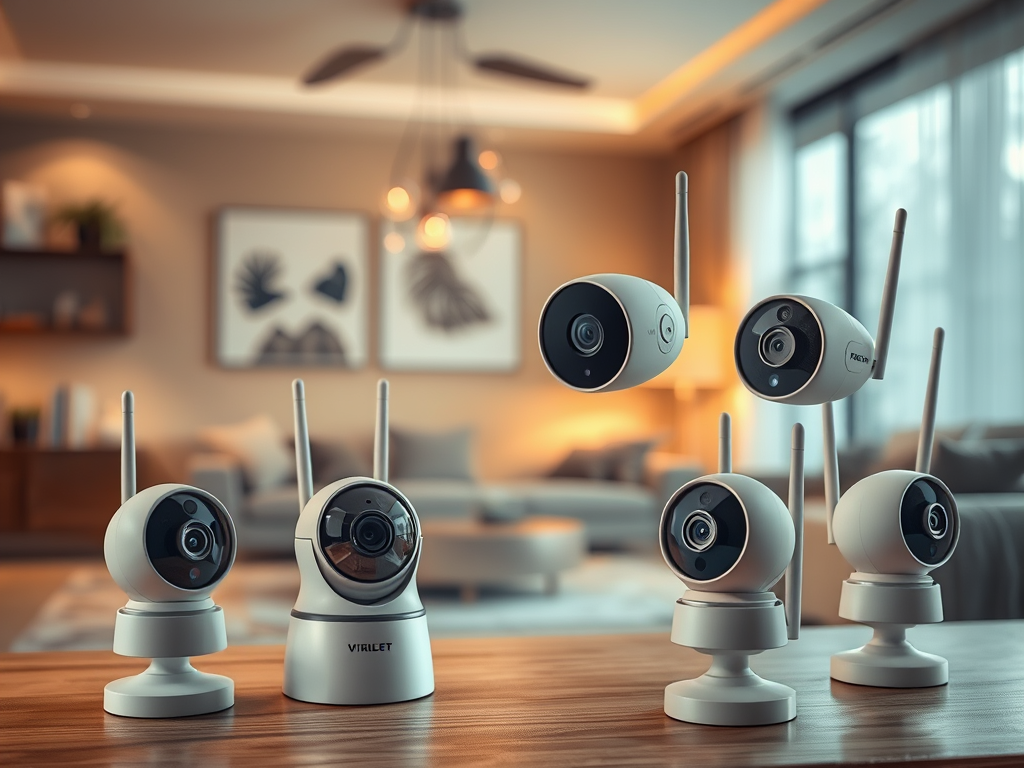
Smart cameras, such as Nest Cam or Ring Stick Up Cam, allow you to monitor your home from anywhere. They often come with features like motion detection, two-way audio, and cloud storage, making them a great choice for remote monitoring.
2. Smart Locks
Devices like the August Smart Lock or Schlage Encode allow you to lock and unlock your doors from your smartphone or with voice commands. These are ideal for ensuring your home is secure without needing a traditional key.
3. Smart Lights
Smart lights like Philips Hue can be integrated with your security system to automate lighting when motion is detected. This not only saves energy but also acts as a deterrent for intruders.
4. Smart Motion Sensors
Motion sensors that work with platforms like Z-Wave or Zigbee can be programmed to trigger alarms, cameras, or lights when they detect movement, providing an additional layer of protection.
How to Set Up Smart Home Integration
To get started with smart home integration, you’ll need a few essential components:
- Smart Home Hub: Devices like the Amazon Echo, Google Nest Hub, or Apple HomePod can serve as a central control system for all your smart devices.
- Compatible Security Devices: Make sure your security system devices, such as wireless cameras, smart locks, and sensors, are compatible with your smart home platform.
- Mobile App: Download the mobile app for your smart home platform, such as the Google Home or Alexa app, to control your devices remotely.
Once everything is connected, you can start customizing your system by creating automation routines, setting up notifications, and linking all your smart devices for seamless control.
Conclusion
Integrating your home security system into your smart home setup provides enhanced control, convenience, and peace of mind. From receiving instant notifications about activity at your door to controlling your entire system with voice commands, smart home integration makes managing home security effortless.
Whether you’re just starting out with smart home devices or looking to upgrade your existing system, the ability to connect your security cameras, locks, and sensors to a central platform brings an extra layer of protection and convenience to your everyday life.

Leave a Reply