
When it comes to protecting your home, choosing the right security camera is crucial. With a wide variety of options available, understanding the key features that matter most can help you make an informed decision. Whether you’re looking for the best outdoor security camera with night vision or an indoor camera to keep an eye on your pets, this guide will walk you through the essential features to consider when buying a security camera.
1. Resolution & Video Quality
The resolution of a security camera determines the clarity of the footage it captures. Higher resolution means clearer images, which can be critical in identifying faces, license plates, and other important details.
- 1080p (Full HD): This is the standard resolution for most security cameras and offers a good balance between quality and bandwidth/storage requirements.
- 4K (Ultra HD): If you need extremely detailed footage, especially for large outdoor areas, consider a 4K security camera. It provides superior image clarity but requires more storage and a stronger internet connection.
2. Night Vision Capabilities
A significant portion of security incidents occur at night, making night vision an essential feature for any security camera.
- Infrared Night Vision: Most security cameras come equipped with infrared (IR) LEDs that allow them to capture clear footage in low-light or no-light conditions.
- Color Night Vision: Some advanced cameras offer color night vision, which provides more detail than traditional black-and-white infrared footage.
When choosing a security camera, look for those with good night vision capabilities to ensure your property is protected around the clock.
3. Motion Detection
Motion detection is a key feature that enhances the security of your home by alerting you when the camera detects movement. This feature is particularly useful for reducing unnecessary footage and focusing only on significant events.
- Adjustable Sensitivity: Cameras with adjustable motion sensitivity allow you to customize the level of detection, reducing false alarms from small animals or passing vehicles.
- Smart Motion Detection: Some cameras can distinguish between different types of movement, such as people, animals, or vehicles, providing more accurate alerts.
For those looking for a reliable home security system, choosing a camera with advanced motion detection is a smart move.
4. Field of View (FOV)
The field of view (FOV) refers to the width of the area that a camera can capture. A wider field of view means the camera can monitor more of your property, reducing the number of cameras needed for full coverage.
- Narrow FOV (up to 90°): Ideal for focused monitoring of specific areas, such as doorways or small rooms.
- Wide FOV (120° to 180°): Perfect for large outdoor spaces, such as backyards or driveways, where you need to monitor a broad area.
Consider the layout of your property and choose a camera with the appropriate FOV to cover all essential areas.
5. Two-Way Audio
Two-way audio allows you to communicate with anyone on your property through the camera. This feature is particularly useful for doorbell cameras and indoor cameras used for monitoring family members or pets.
- Built-in Microphone and Speaker: Look for cameras with high-quality audio components that provide clear sound for both listening and speaking.
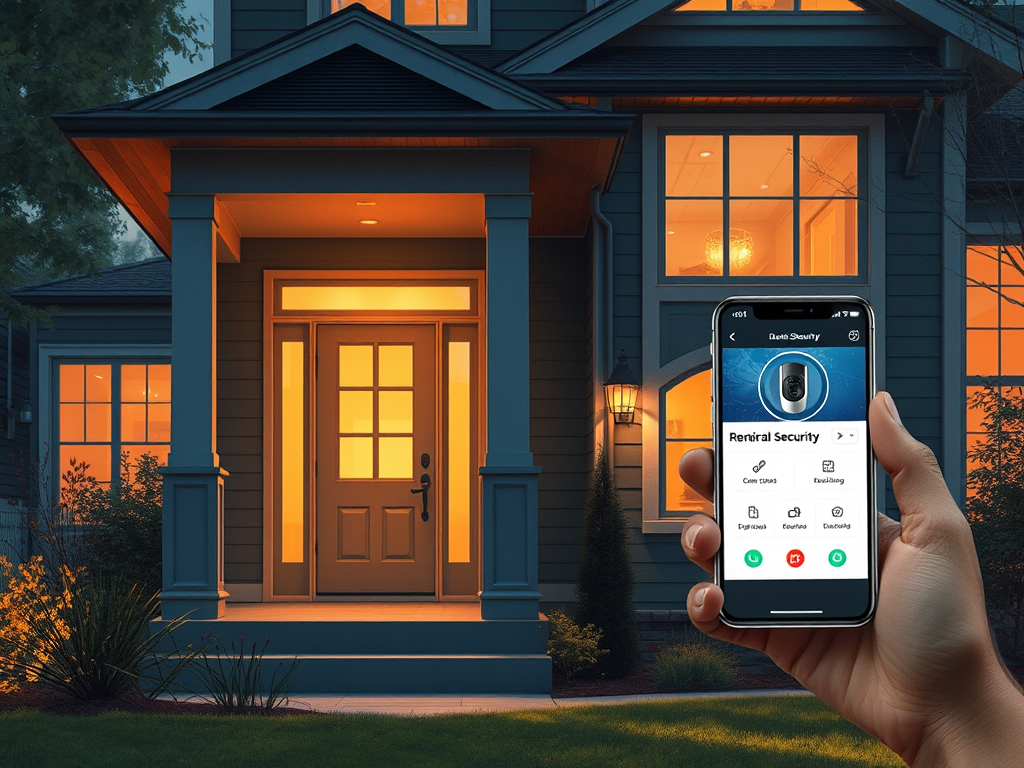
- Remote Communication: Many cameras with two-way audio allow you to communicate via your smartphone, even when you’re not at home.
Whether you’re answering the door from afar or checking in on a pet, security cameras with two-way audio offer added convenience and security.
6. Storage Options: Local vs. Cloud
How your security camera stores its footage is another crucial factor to consider. There are two main types of storage: local and cloud.
- Local Storage: Some cameras store footage on a microSD card or a connected DVR/NVR. This option is often more cost-effective but can be limited by storage capacity.
- Cloud Storage: Many modern cameras offer cloud storage, allowing you to access footage from anywhere. While convenient, cloud storage often requires a subscription fee.
Consider whether you prefer the control and cost-savings of local storage or the accessibility and security of cloud storage when choosing a security camera.
7. Wireless vs. Wired Cameras
The decision between wireless and wired security cameras comes down to your installation preferences and specific needs.
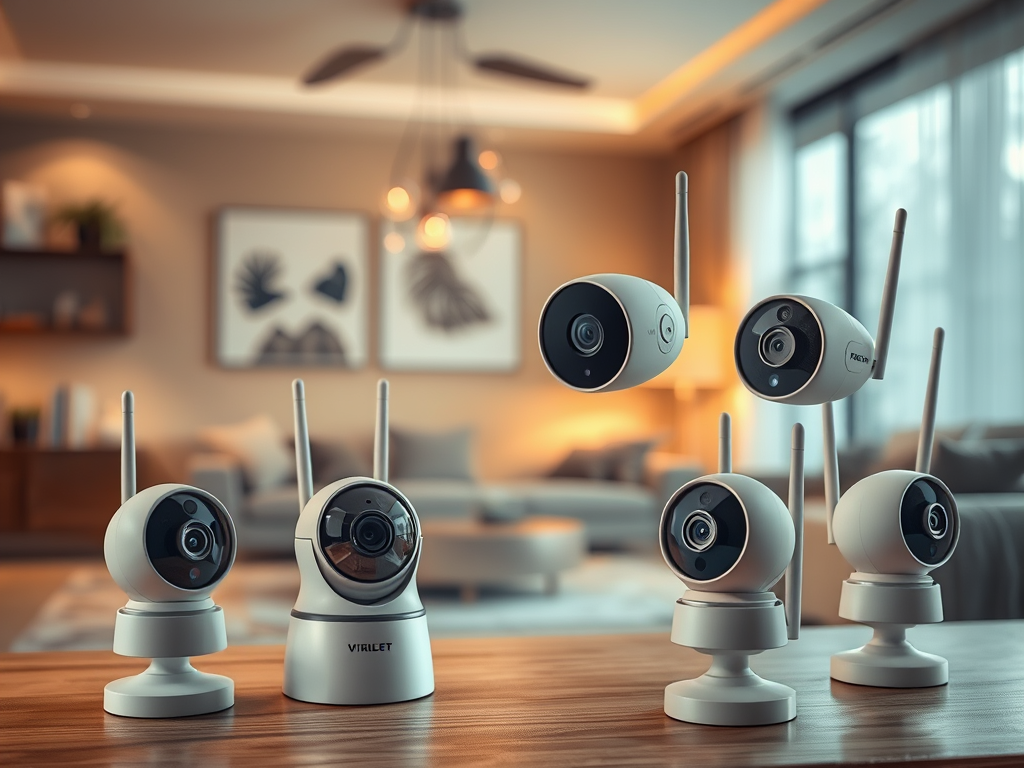
- Wireless Security Cameras: These cameras are easier to install and can be placed almost anywhere, as they don’t require a physical connection to power or data lines. They’re ideal for renters or those who want a DIY installation.
- Wired Security Cameras: While more complex to install, wired cameras offer a more stable connection and often come with additional features, such as continuous power and data transmission.
For those prioritizing convenience, wireless security cameras might be the best option, while those looking for reliability might opt for wired solutions.
8. Smart Home Integration
Many modern security cameras can be integrated into your existing smart home ecosystem, allowing for enhanced functionality and automation.
- Smart Home Compatibility: Look for cameras that work with platforms like Amazon Alexa, Google Home, or Apple HomeKit. This allows you to control your camera using voice commands and integrate it with other smart devices.
- Automation Features: Some cameras can trigger other smart devices, such as lights or alarms, when motion is detected, creating a comprehensive security system.
Choosing smart home security cameras that integrate seamlessly with your existing devices can enhance your home’s overall security and convenience.
Conclusion
When buying a security camera, it’s essential to consider the features that will best meet your needs. From high-resolution video and night vision to smart home integration and storage options, understanding these key features will help you choose the right camera to protect your home.
By focusing on these critical aspects, you can ensure that your security camera system is reliable, effective, and tailored to your specific requirements.

Leave a Reply