

When it comes to protecting your home, a well-placed security camera can make all the difference. With so many options on the market, from indoor cameras to outdoor ones, choosing the right security camera for your home can feel overwhelming. This guide will walk you through the essential factors to consider so that you can make the best decision for your needs.
Table of Contents
1. Identify Your Security Needs
Before selecting a security camera, it’s important to understand what you want to achieve with your home surveillance. Different cameras offer various features, and not every home requires the same level of security. Consider the following questions:
- Do you need to monitor indoor or outdoor areas?
- Are you looking to cover high-traffic areas like your front door or less visible spots like your backyard?
- Do you want a camera for general monitoring or to track specific activities, like package deliveries?
By identifying your primary goals, you’ll have a better idea of whether you need indoor security cameras, outdoor security cameras, or even a combination of both.
2. Decide Between Wired vs. Wireless Security Cameras
One of the most important choices to make is whether you prefer a wired or wireless security camera. Each type has its pros and cons, so it depends on your preferences and installation needs.
Wired Security Cameras
Wired cameras are directly connected to your home’s power supply and usually offer continuous, uninterrupted recording. They are a great choice for professional-grade security systems and for homeowners who want a long-term, stable solution. However, they often require professional installation, and running cables can be difficult in certain areas.
Wireless Security Cameras
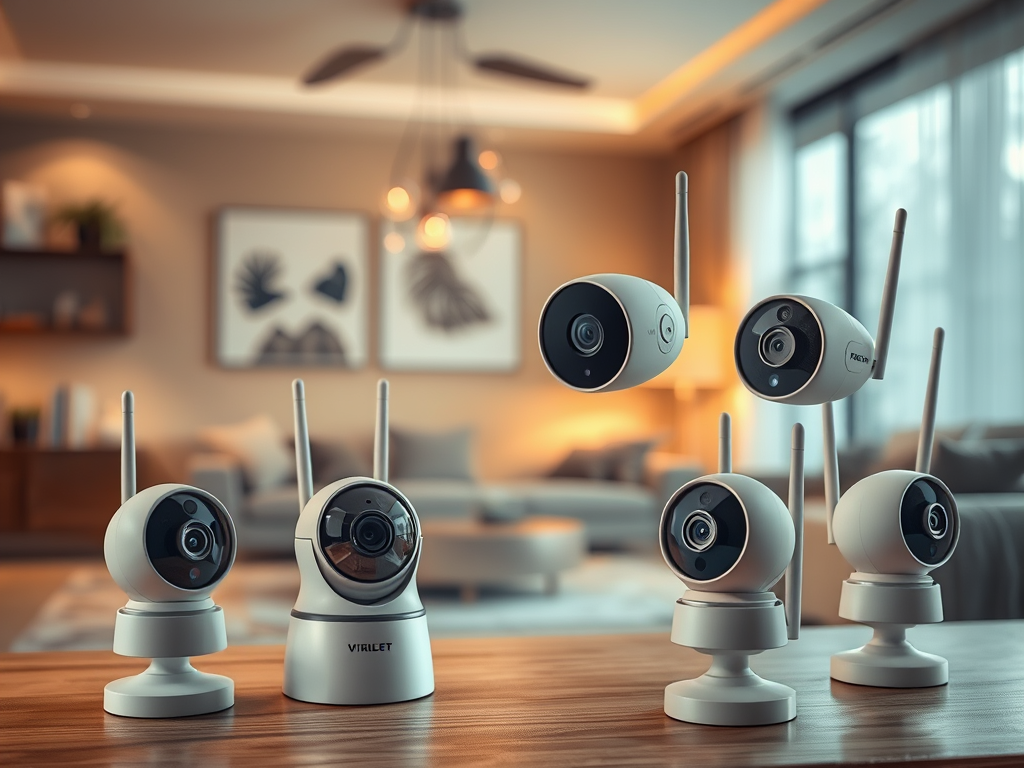
Wireless security cameras, on the other hand, are easier to install and more flexible in terms of placement. These cameras are often battery-powered or can connect to your Wi-Fi network. They are ideal for renters or those looking for a DIY security camera system. However, wireless systems may require more frequent maintenance due to battery life, and they are typically reliant on a strong Wi-Fi connection.
3. Consider Camera Placement: Indoor vs. Outdoor
Where you plan to place your camera will influence the type you choose. Indoor security cameras are designed for monitoring inside your home, such as living rooms, hallways, or nurseries, while outdoor security cameras are built to withstand the elements and monitor outdoor spaces like driveways, backyards, and entry points.
Indoor Cameras
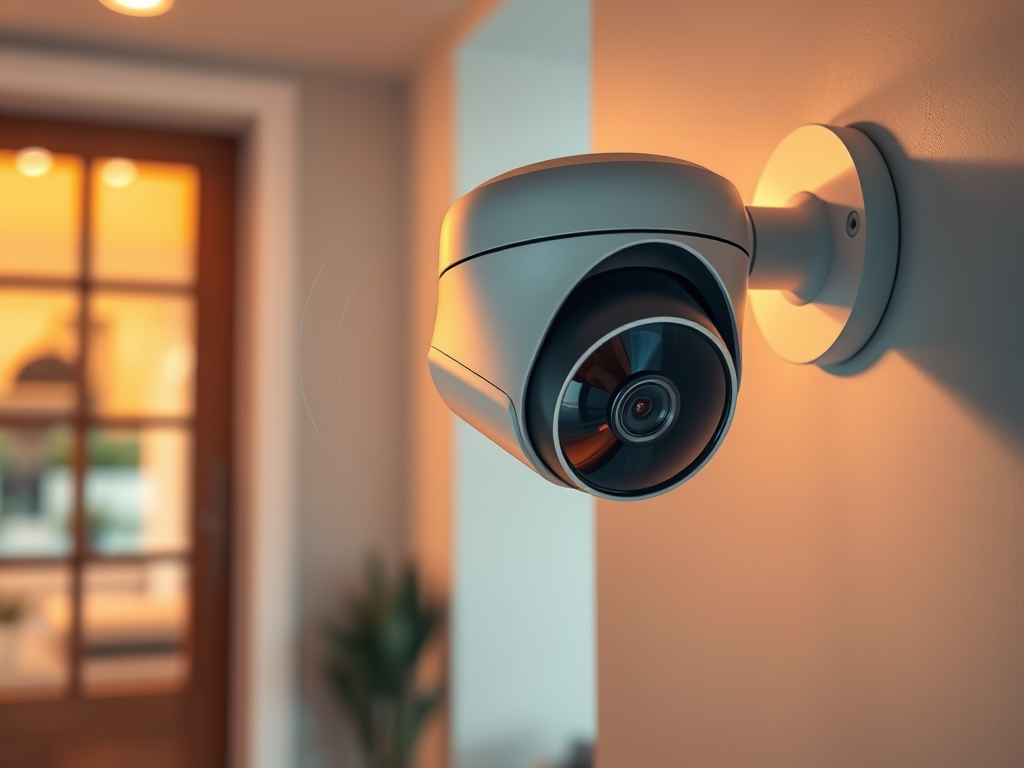
Indoor cameras are usually smaller and more discreet. Many come with features like motion detection and two-way audio, allowing you to keep an eye on pets, children, or elderly family members while you’re away.
Outdoor Cameras
Outdoor cameras need to be weatherproof and durable to handle rain, snow, or extreme heat. They often come with features like night vision and wide-angle lenses to cover large areas, such as your front yard or driveway. If you want a camera that can capture clear footage even at night, look for outdoor cameras with infrared night vision or color night vision for better image clarity.
4. Look for Smart Features and Integration
If you already have a smart home setup, you’ll want to choose a security camera that integrates seamlessly with your existing system. Many cameras now offer compatibility with Amazon Alexa, Google Assistant, and Apple HomeKit, allowing you to control your cameras using voice commands or from a central app.
Smart Home Compatibility
Smart home integration is ideal for homeowners who want to automate their security systems. For example, you can set your smart outdoor cameras to automatically turn on lights when they detect motion or receive alerts directly on your smartphone when someone approaches your door.
Remote Monitoring
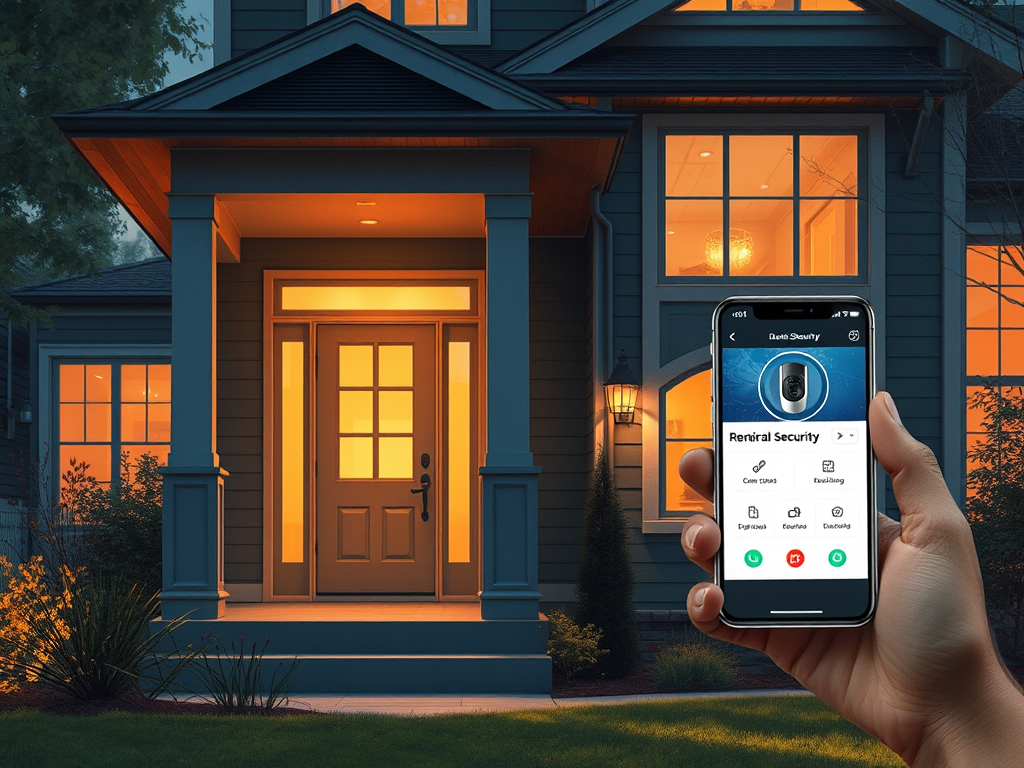
Choosing a camera with remote monitoring capabilities allows you to check your camera feed from anywhere, whether you’re at work or on vacation. Many wireless security cameras offer mobile apps that make it easy to stay connected to your home no matter where you are.
5. Pay Attention to Resolution and Image Quality
The resolution of a security camera is crucial for capturing clear, detailed footage. The most common resolutions are 1080p (Full HD) and 4K (Ultra HD).
1080p Security Cameras
1080p cameras are a standard choice for most homeowners, offering a good balance of image clarity and data usage. They provide clear video that’s perfect for monitoring doorways, driveways, or living areas.
4K Security Cameras
If you’re looking for the highest level of detail, especially for monitoring large outdoor areas, a 4K security camera might be a better choice. While they require more storage and a stronger internet connection, 4K cameras provide ultra-sharp footage, making it easier to identify faces, license plates, and other critical details.
6. Motion Detection and Alerts
A good security camera will do more than just record footage. Many cameras come with motion detection capabilities that trigger recording when movement is detected. This helps save storage space by only recording when something is happening.
Additionally, motion detection can be paired with real-time alerts sent to your phone. If your camera detects unusual activity—such as a person approaching your front door—you’ll receive an alert, allowing you to take immediate action.
Some advanced models even offer smart motion detection, which can differentiate between people, animals, and vehicles, reducing the number of false alerts.
7. Storage Options: Cloud vs. Local
Another key factor to consider is how your camera stores footage. There are two main storage options: cloud storage and local storage.
Cloud Storage
Cloud storage is convenient because it allows you to access your footage from anywhere. Many security camera brands offer subscription plans for cloud storage, where your videos are stored on the company’s servers. This option is great for those who want remote access and don’t want to worry about managing physical storage.
Local Storage
If you prefer to avoid monthly fees, some cameras offer local storage options, such as saving footage to a microSD card or a DVR/NVR system. While this method is more cost-effective, it may require more hands-on management, and there’s a risk of losing footage if the storage device is damaged or stolen.
8. Budget and Brand Considerations
Your budget will also play a big role in your decision-making process. Some of the best security camera brands—like Arlo, Ring, Nest, and Wyze—offer a wide range of options at different price points. If you’re looking for a budget-friendly security camera, brands like Wyze provide affordable models with solid features, while Nest and Arlo are known for more premium, feature-rich cameras.
Consider what features are most important to you and what you’re willing to invest. Remember, sometimes spending a little more can provide long-term value through better features, durability, and reliability.
Conclusion
Choosing the right camera for your home involves balancing several factors, including your security needs, camera placement, resolution, and smart home integration. Whether you need a wireless security camera for easy installation, a smart camera that works with Alexa or Google Assistant, or an outdoor camera with night vision, there’s a security camera out there that’s perfect for your home.
Take the time to assess your specific requirements and compare the available options from trusted brands. With the right camera in place, you’ll gain peace of mind knowing your home is secure, no matter where you are.

Leave a Reply